
SEEDS Dev Diary #003: Bits of Housekeeping During Quest Work
News
SEEDS Dev Diary #003 Bits of Housekeeping During Quest Work
Hello all,
and we're back with a new update, which is mostly an interim release, containing a good round of housekeeping, polishing, and bug fixing. In our last update we told you about the new game mode, and its guided quests. Sadly this takes a tiny bit longer than we hoped, and we would rather take the time to do this thing properly than hand you something half-baked.
So today's release is mostly about how SEEDS feels and behaves, especially when using the HUD. We also rebuilt the in-game help, gave first person a better look with a proper zoom and item descriptions, and also went through the HUD menus and dialogs so they no longer get in your way. Most important of all we fixed our fair share of bugs and some performance issues along the way.
Co-op mode/multiplayer: we bumped the network protocol version, so players of this update cannot join worlds with players of previous versions.
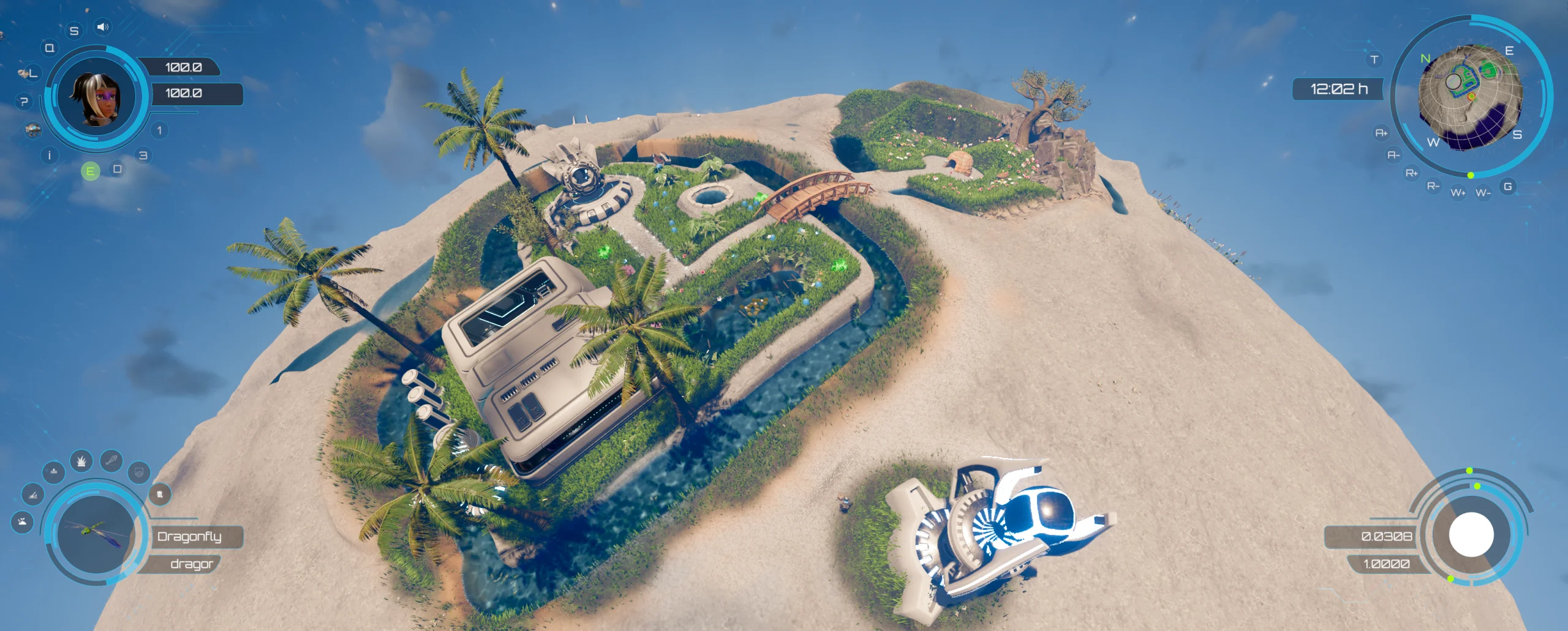
Help
- New in-game help: a movable and resizable window to keep open while you play. This is a work in progress, so expect this to be filled with information and guides in the next version (we may even do an in-between release to further update this asap!)
- Animations assist in explaining each tool, highlighting the keys and mouse buttons to press
First Person
- New crosshair, which doesn't get in your way any more, as it is only shown when zooming using the mouse wheel
- Looking around using the mouse slows down movement while zoomed in, making far away targets easier to aim at
- While zooming you see the distance to what you aim at, and the name and description of the object under the crosshair
- New key to free the mouse pointer in first person: tap it to keep the pointer, hold it to have the pointer only as long as you hold. It can be rebound in the key settings
Menus and Dialogs
- Menus and dialogs are now truly modal and don't leak controls into movement any more
- Improved HUD behaviour for tabs, scrollbars, and buttons - no more lost clicks
- Interaction prompts ("press X to …") are switched on by default (you can turn that off in the settings)
- No more holding the
Esckey pressed to exit the game: a single press is enough to open the exit to menu dialog - The pause indicator is now pulsating when world time is paused
- Various other, smaller improvements
Terraforming
- Terraforming can now optionally paint while modifying the ground (right-click on the terraforming circle bottom left toggles this behaviour)
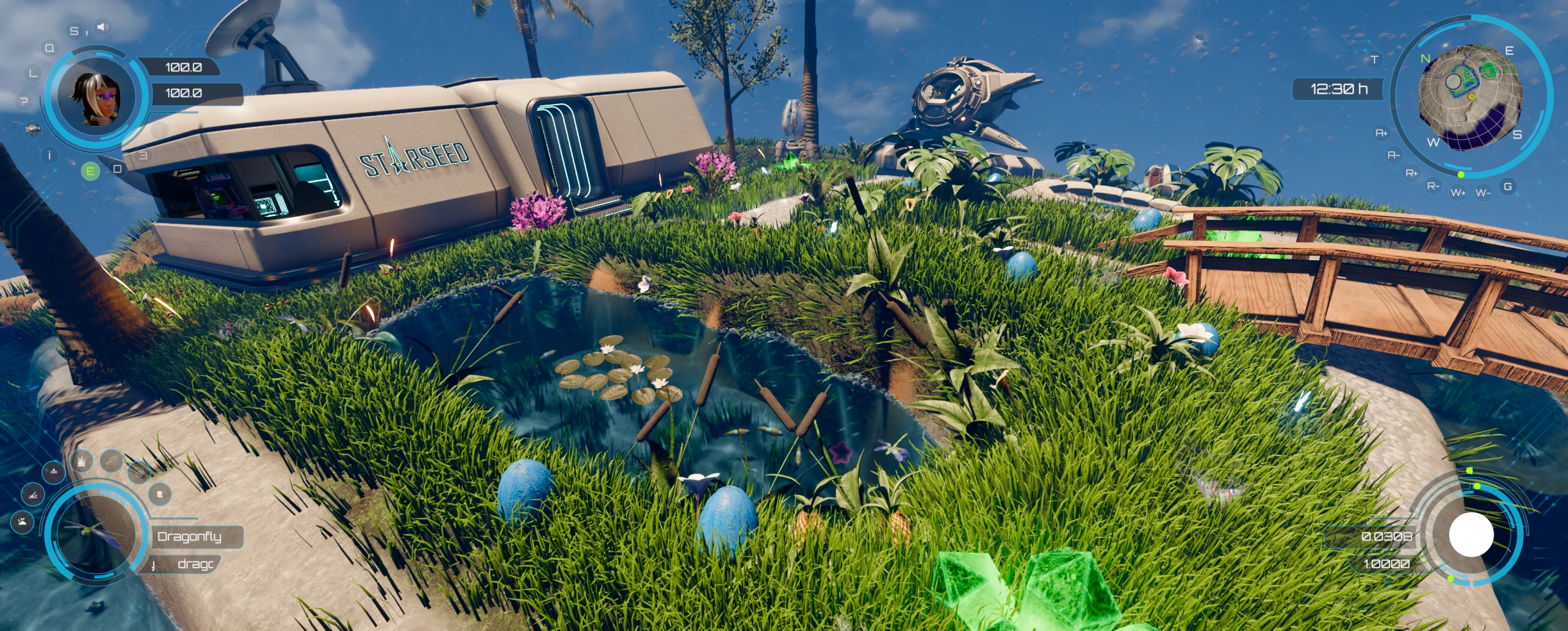
Computer and Base
- The in-game computer is properly idling/sleeping, when you are not using it or aren't near it (this behaviour is configurable to your liking)
- Computer keys no longer get stuck when pressing
Ctrl+F11 - You can use the computer interface to change the wall panel colour
World, Items, and Ship
- Improve collision shapes for round items
- Improve physics behaviour when placing items
- Fix gizmo (value display and clicking on handles)
- Improve performance of asteroids
- The ship now lands properly on tilted pods
Stability and General Improvements
- GPU: Load mini planet maps, chess engine, and ROBO LLM on demand
- Fix a memory leak in the POCA API
- Fix a camera division by zero error
- Fix: Background workers could on rare occasions stall work by sleeping
- Title screen graphics are unloaded once the game starts, freeing up video mem
- Various fixes for: rendering, shadows and fog, hologram effect
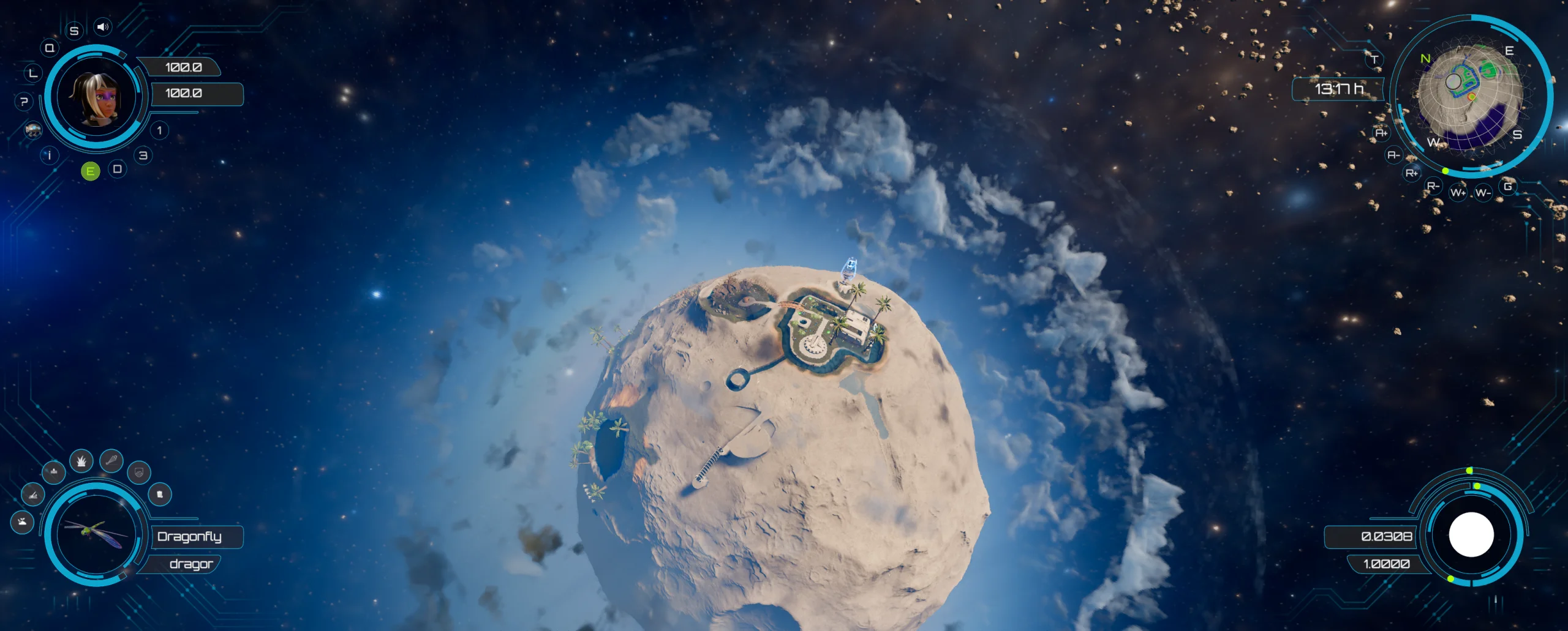
We're still working hard on the new game mode and upcoming first quests. We expect them to finally come with the next update!
That's it for today. Stay tuned for more updates and thank you for reading.
Have a nice day and see you next Friday!